VAT rate change for gas and electricity bills
Summary
Description
Vat rate reduced to 9% for gas and electricity bills
The reduction for VAT rate on gas and electricity bills to 9%, is extended to 31 October 2023.
This article explains how to record utility bills in Sage Accounting using the reduced rate.
Resolution
What the 9% VAT rate applies to
The reduced VAT rate of 9% applies to the supply of gas and electricity. This does not include home heating oil.
The reduce VAT rate is automatically applied to all heating bills issued since 1 May 2022.
If you are unsure whether your transactions should be at the reduced rate, check with your accountant or the Revenue.
Which VAT rate to use
In Sage Accounting use the Second Reduced Rate 9%.
Make sure reduced rate VAT is applied correctly
Set the default VAT on ledger accounts
Consider setting the Second Reduced Rate 9% VAT rate by default on the ledger accounts you use for gas and electricity.
This will make sure that the correct VAT rate is used when entering transactions using these ledger accounts.
If you use our default chart of accounts, the ledger accounts affected are 7200 and 7210.
- Select Settings, then Business Settings, then Chart of Accounts.
- Use the search to find the ledger account to change.
- Select the required ledger account.
- Choose Second Reduced Rate from the VAT Rate dropdown.

Product and services
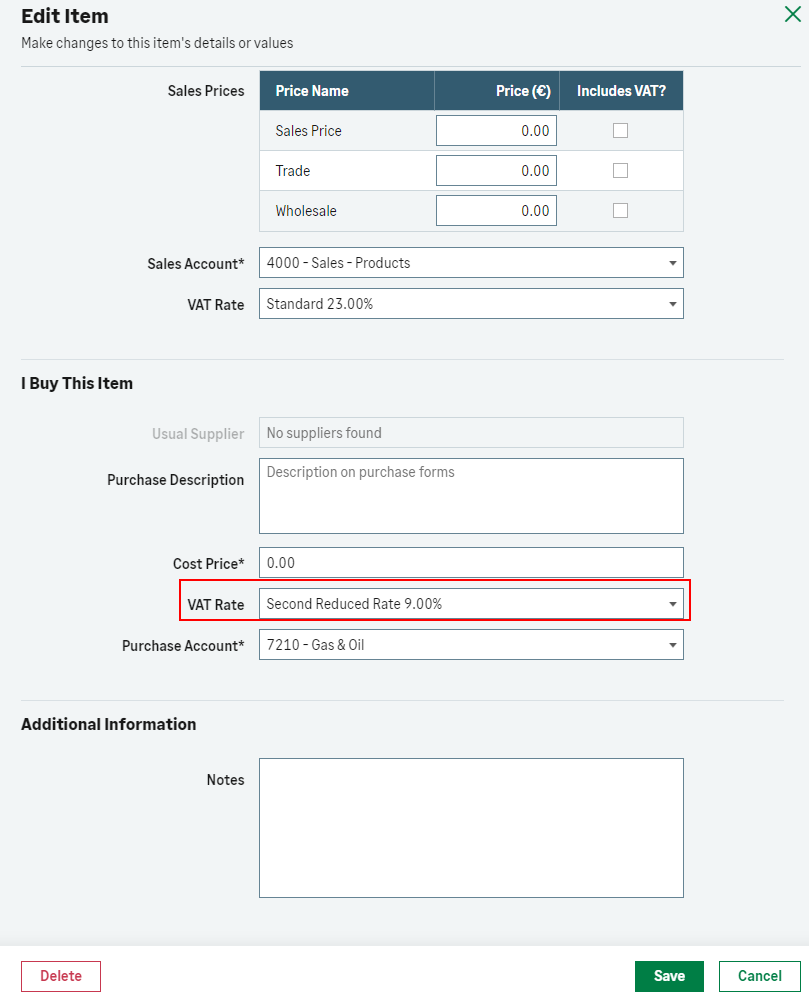
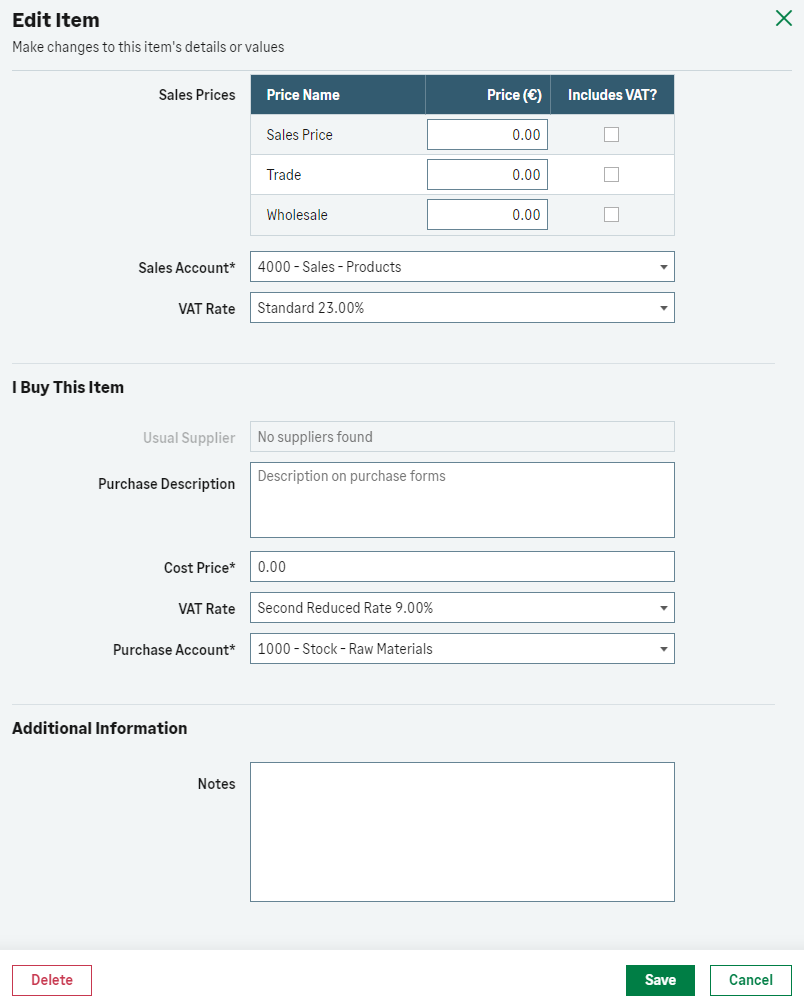
If you have set up your gas and electricity supply as a product or service, consider setting the reduced VAT rate as the default on these products.
This will make sure that the correct VAT rate is used when entering transactions.
- From Products and Services select the product for your gas or electricity supply, then Edit.
- In I buy this Item use the dropdown and select the VAT rate to be Second Reduced Rate 9.00%.
- Save.
Bank feeds and imported bank transactions
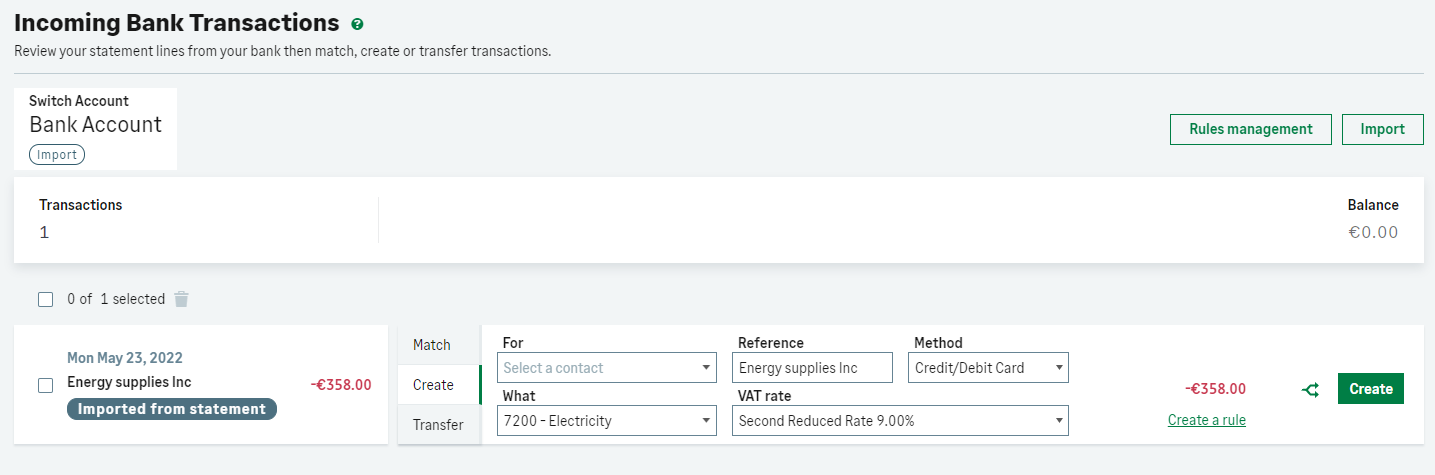
If you use bank feeds or import your bank statement, make sure you select the Second Reduced Rate 9% when creating a transaction for your gas or electricity bill.
If you have set this as the default on the ledger account, we will select it automatically.

Recurring payments
The VAT rate on recurring payments is based on when the payment was originally created. If you have set up a recurring payment for gas and electricity bills, make sure you
-
Edit any payments that have already been created, as the VAT rate will be incorrect.
-
Stop the recurring payment. The recurring icon will no longer appear next to the transaction.
- Click the transaction to open the details.
- Choose Edit Recurring.
- Select Stop Recurrence.
- Save.
-
Set up a new payment with the correct Second Reduced Rate 9%, then make it recurring.
Import quick entries
If you import payments as quick entries, make sure you change the VAT rate entered in your template spreadsheet for gas and electricity payments before you next import them.
Check the information is updated in the following columns:
| Column | H | I | J | K |
| Name | Net | VAT Rate | VAT | Total |
| Type | Numbers only | Text | Numbers only | Numbers only |
| Notes | Check the net value | Change this to Second Reduced Rate. | Check the VAT value of the transaction. | Check the total value |
Solution Properties
- Solution ID
- 222001000100570
- Last Modified Date
- Fri Aug 25 12:56:45 UTC 2023
- Views
- 0